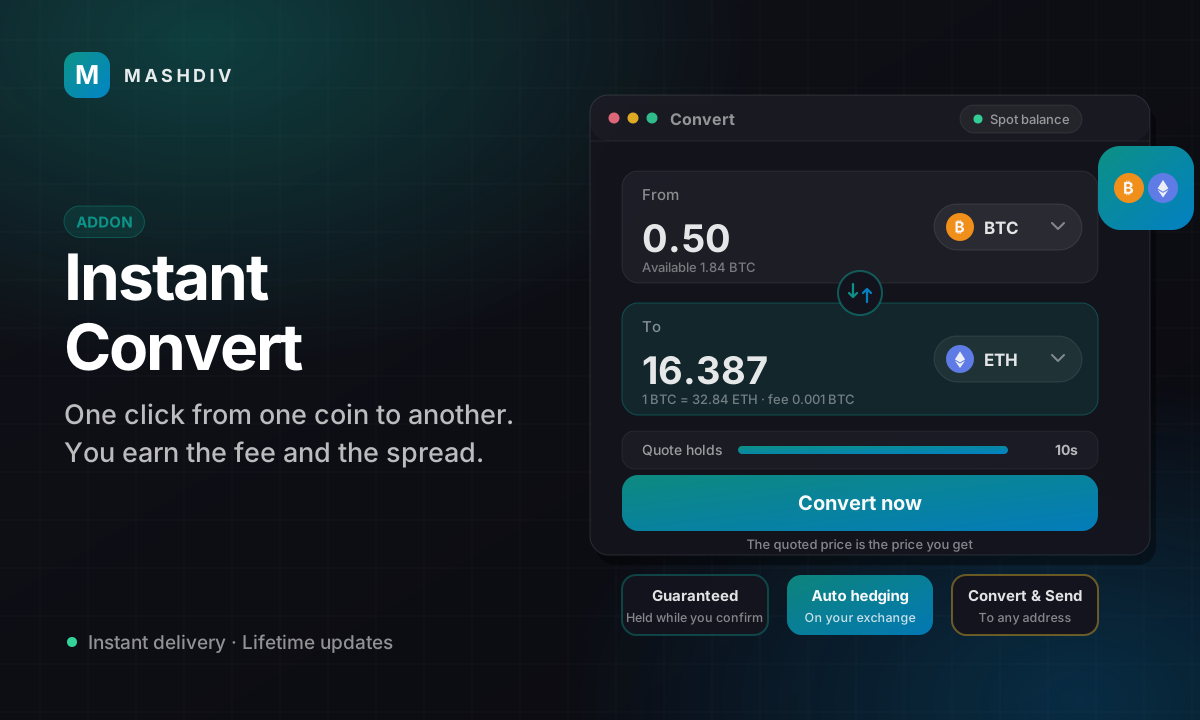
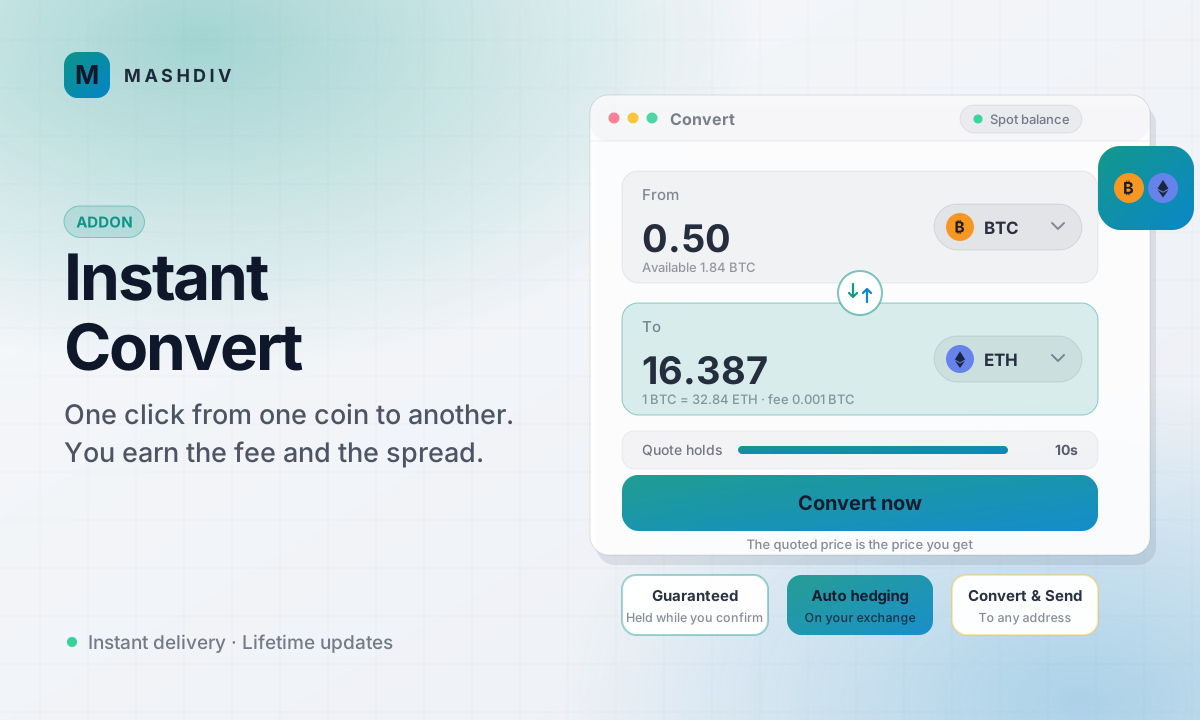
Instant Convert
One-click converts between balances at a price held for a few seconds. You fund the house, set the spread and earn a fee on every convert.
This is a new release, so the first 50 customers get it below its normal price of $219. No code needed — the price you see is the price you pay. When the seats are gone the price goes back up.
- 10 seats at $1099 left
- 20 seats at $139−37%
- 20 seats at $159−27%
You save $110 at today's price. Every licence bought at launch is a full licence — same product, same updates, same support terms as it will have at $219.
- A price held for a few seconds, written before the user sees it and executed exactly as quoted
- Priced on your provider's order books through USDT, with both taker fees included
- A second, independent venue must agree before any price is offered
- A last look that refuses a convert the market moved against, before it executes
- The fee on its own line, booked as revenue in the same transaction as the convert
- Spot converts, single-chain Ecosystem converts, and one-click convert and withdraw
- Convert & Send pays EVM coins and tokens, SOL, SPL and TRC-20 from the house's own address
- Floors that close converts into a currency before the house runs dry
- Optional automatic hedging that never sends the same order twice
- House movements between your exchange account and on-chain custody
- Realised spread profit per currency and day, with an optional daily sweep
- A core recovery console that works while the addon is off, behind a second factor
Instant Convert adds a one-click convert to your Bicrypto platform. A user picks what to give and what to receive, sees a price that is held for a few seconds with the fee on its own line, and confirms. The result is in their balance before the page redraws. You are the other side of every convert, from a house account you fund, and you earn a fee on each one and a spread built into the rate.
It is not a DEX and not an order book. Users never trade with each other and no user order rests on a book: your exchange provider's order book is where the price is read from and, if you switch hedging on, where the house trades its own position.
How a convert is priced
Every convert is priced as two legs through USDT on your exchange provider's order books, walked for the size, with both taker fees included: the route a hedge would actually trade. The quote is written to the database before the user sees it and executed exactly as stored. Before it is offered, a second, independent public venue has to agree with the price. Just before it executes, the books are read again, and a quote that has become better for the user than the market by more than a drift limit is refused. Both limits must stay below your spread, and the settings page refuses a save that breaks that, so every convert that executes is priced to earn something.
Three ways a convert can end
| Route | What the user gets | Needs |
|---|---|---|
| Balance convert | The new currency in their balance, Spot to Spot or Ecosystem to Ecosystem | An exchange provider for Spot; the Ecosystem addon for Ecosystem |
| Convert & Send | The new currency paid on-chain to an address they give, from the house's own address on the chain they pick | The Ecosystem addon and funded house addresses |
| Convert and withdraw | An Ecosystem convert into a single-chain coin, then an ordinary withdrawal, in one click | The Ecosystem addon |
What you earn, and what you carry
- A fee, 0.2% by default, credited to the Super Admin wallet in the same transaction as the convert and booked as Convert revenue
- A spread, 0.5% by default, inside the rate; it stays in the house's inventory and becomes profit as that inventory is disposed of
- Realised spread profit per currency and day from first-in, first-out cost lots, net of hedge fees, movement costs and gas
- An optional daily sweep that pays realised profit to the Super Admin wallet, and refills a realised loss
The spread is what pays for market risk. After a user converts BTC into ETH the house holds more BTC and less ETH, and every price move until that position is flattened is your profit or loss. Hedging can take most of that risk away, but it is optional, off by default, and needs an exchange provider. Without it, converts run under an unhedged exposure cap you set.
What operators control
- Which currencies convert, in which direction, with per-asset size limits and spread overrides that can only widen
- A floor per currency that closes converts into it before the house runs dry, and a target that hedging aims for
- Per-convert, per-user daily, platform hourly and unhedged exposure limits
- Hedging in Off, Monitor only or Automatic mode, with order and hourly caps, a slippage limit and automatic pauses
- An approval queue for payouts from Spot balances, and a review queue for any payout whose outcome the chain has not settled
- 29 settings, 18 permission keys, and nine switches that only a Super Admin can change
Built to fail safe
A convert is double-entry against the house, so platform totals never move and your reconciliation sees nothing to explain. A hedge order that may exist is never sent twice. A payout's every transaction is recorded before it is broadcast, and a stuck payout is reversed only on the chain's own proof that it can never land. If you disable the addon or its licence lapses, the jobs that finish work already started keep running, and a core console under Finance, Pool backing still reads the house, holds its kill switches and settles anything left in review, behind a mandatory second factor.
Common questions
Do I need an exchange provider? For Spot converts and for hedging, yes. Ecosystem converts and Convert & Send can run without one, priced from two public venues with a wider minimum spread and no hedging.
Which coins can be converted on Ecosystem balances? Those with exactly one enabled withdrawal chain whose coins sit in a shared pool: UTXO coins, single-chain EVM tokens, TRC-20 tokens and TRX. Native coins, SPL tokens and tokens on several chains can be received only through Convert & Send, and TON and XMR payouts are not built.
Where does the house's money come from? From you. Spot inventory and single-chain pooled Ecosystem inventory can be moved from the Super Admin wallet; coins for Convert & Send are sent on-chain to the house's own addresses, from outside the platform.
Is there a mobile screen? Not in this release. Converts made on the web appear in the app's transaction history.
Instant Convert is an addon for Bicrypto, sold separately, and needs Bicrypto 6.8.2 or newer. Converts on Ecosystem balances and Convert & Send also need the Ecosystem addon; Spot converts and hedging need an exchange provider. Your exchange, RPC and API vendor accounts are your own, and their fees and usage are billed to you by those vendors. You carry the inventory and its market risk: fund the house before you open a currency, and start hedging in Monitor only mode.
Loved by customers
Reviews
No reviews yet. Own it? Share your experience.
Own this product? Sign in to leave a review.
Better together
Bundles containing this product
Get Instant Convert for less as part of a bundle.
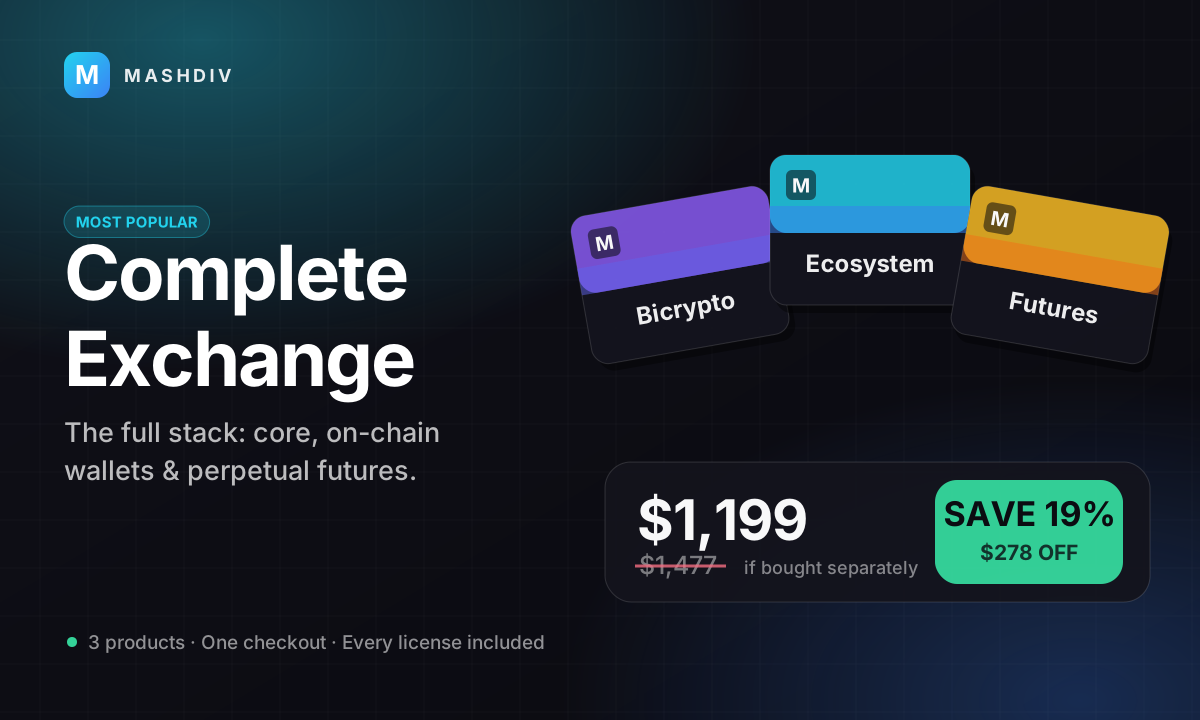
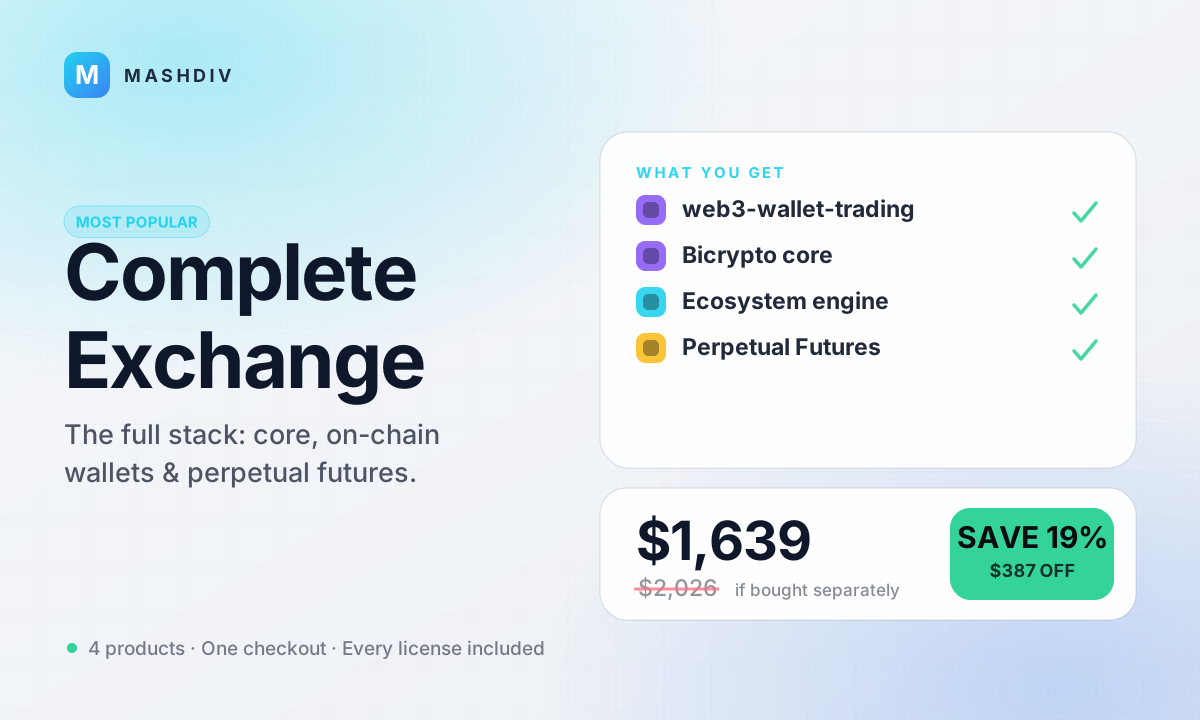 MOST POPULAR
Complete Exchange
Your own engine, your own chains, your own perpetuals, and an on-chain desk beside them.
- Web3 Wallet & On-Chain Trading
- Instant Convert
- Bicrypto
- Ecosystem for Bicrypto
- + 1 more
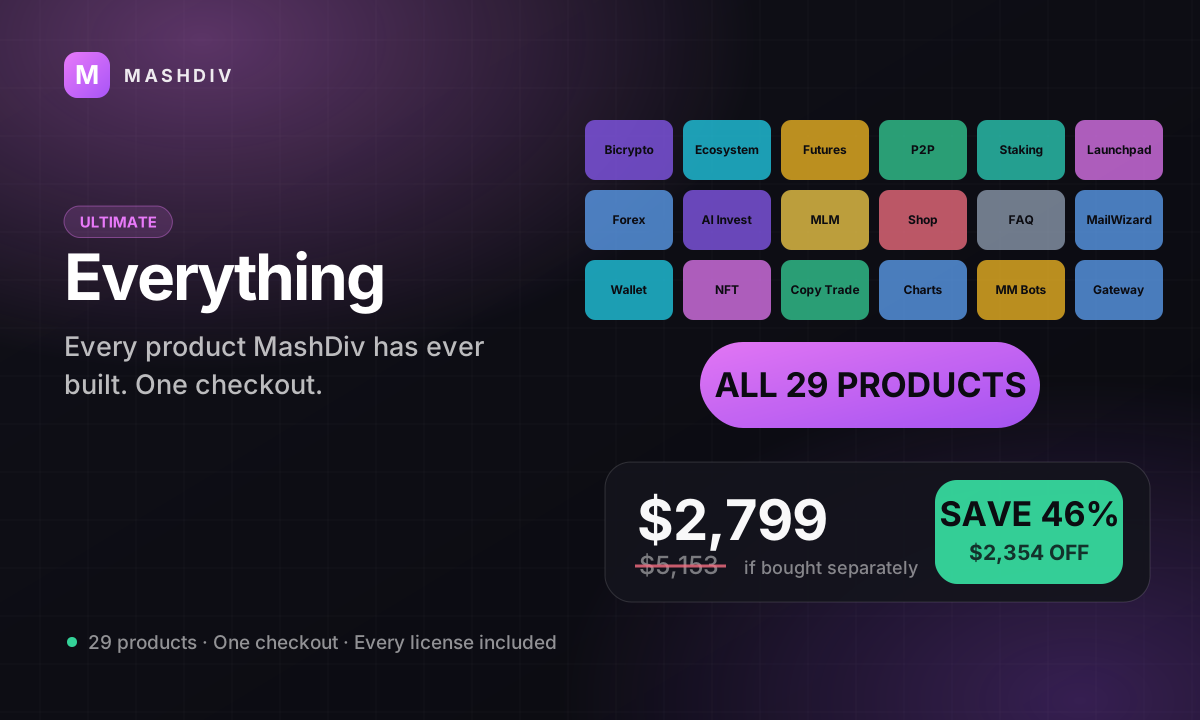
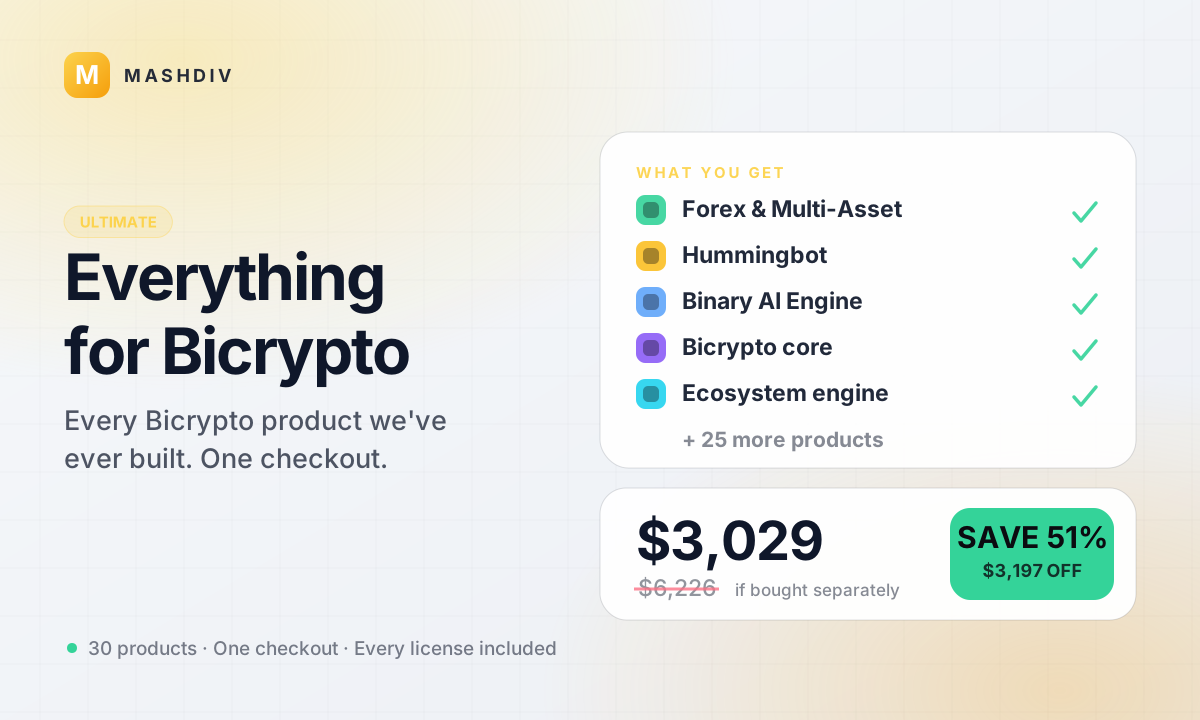 ULTIMATE
Everything for Bicrypto
Every Bicrypto product we make — every addon, every chain, both apps, one price.
- Forex & Multi-Asset Trading
- Web3 Wallet & On-Chain Trading
- Instant Convert
- Hummingbot Connector
- + 29 more
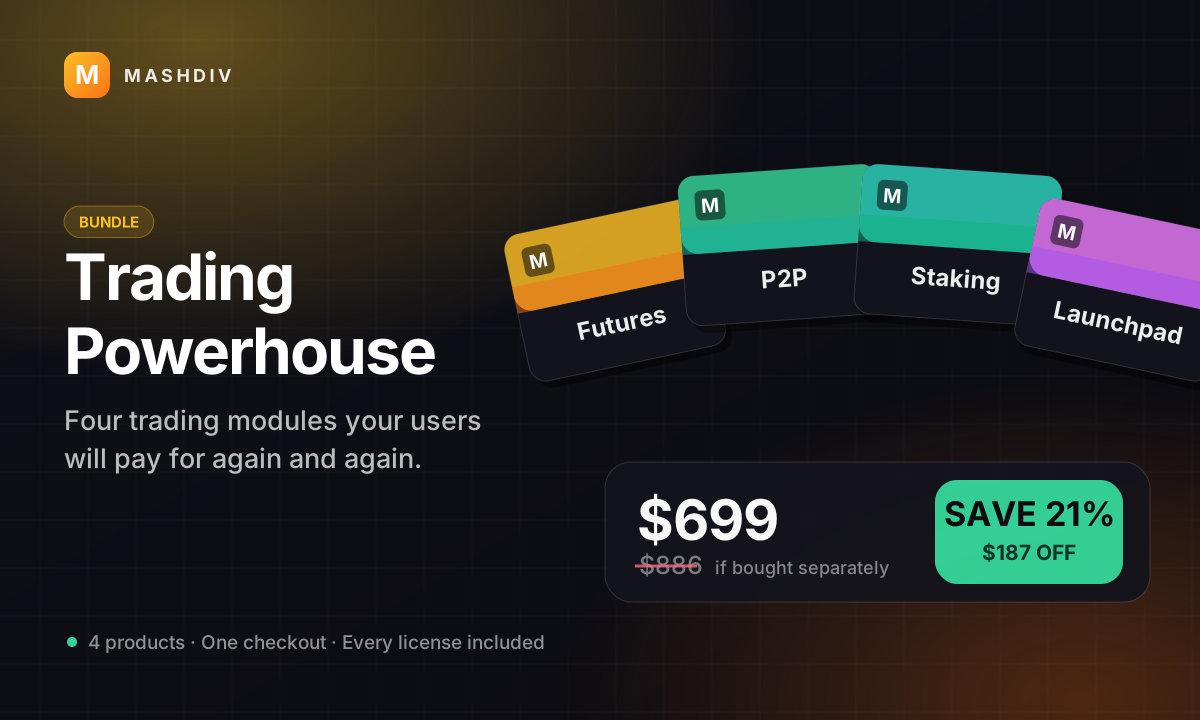
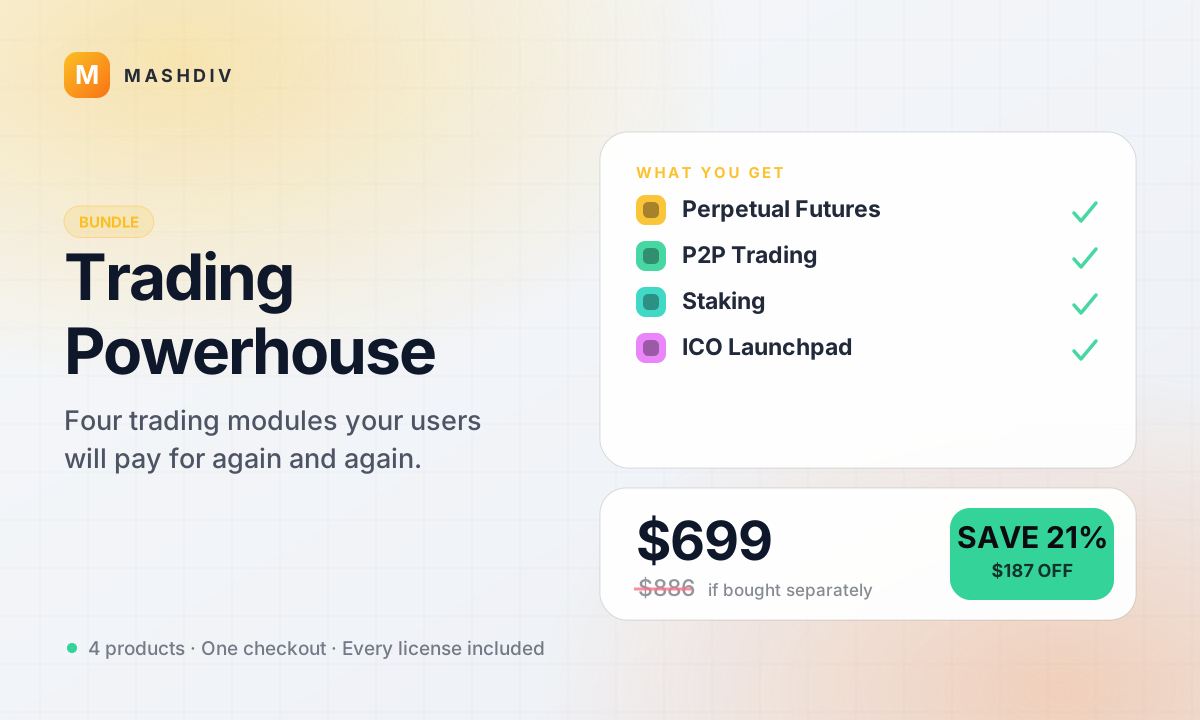
Trading Powerhouse
Five flagship trading products that multiply engagement on any Bicrypto platform.
- Instant Convert
- Futures Trading for Bicrypto
- P2P Trading for Bicrypto
- Staking for Bicrypto
- + 1 more
Keep exploring
Related products
 Addon
AddonAI Investments for Bicrypto
A duration-based investment product where you set the term, the rate and the outcome — and fund it yourself.
 Addon
AddonForex Investment for Bicrypto
Run a managed forex desk: you set the plan, the term and the payout, and settlement runs itself hourly.
 Addon
AddonMLM & Affiliate System
Your members bring the next ones, and you pay commission only when a referral actually deposits or trades.